
Features
- Smooth scrolling or page by page, pinch and double-tap zoom, sharp at any zoom
- Password-protected PDFs (AES and RC4), with an option to remember the password, encrypted on your phone
- Search with every match highlighted; select text to copy, share, translate or define
- Highlight, underline and strike out text in several colors, with notes. Changes are saved into the PDF as standard annotations, so other apps see them too
- Fill in forms: text fields, checkboxes, radio buttons, lists, and XFA forms, with the form’s own calculations and checks
- Table of contents, links, page labels, your own bookmarks
- Print, share, document info
Comics and manga
- CBZ and CBR (RAR4 and RAR5, solid and password-protected archives)
- Fixed-layout manga EPUBs open like comics
- Right-to-left reading, two-page spreads in landscape, fit width or fit page, crop margins
- Pages in natural order (2 before 10)
EPUB books
- EPUB 2 and 3, paged or scrolling
- Font size, typeface, line spacing, margins; white, sepia, gray and night themes
- The book’s own layout, including right-to-left books and vertical Japanese text with ruby
- Table of contents, search across chapters, highlights with notes, bookmarks
Comfortable reading
- A clean, simple design: big touch targets, and the controls fade away while you read
- Night mode for pages; light or dark look, following your phone or your choice; fullscreen
- Tap zones and volume keys turn pages; keep the screen on; lock the rotation
- A library with covers, search and filters (PDFs, books, comics); every file reopens where you left off
Private by design
- No permissions at all: files open from Android’s file picker or “Open with”
- No internet access, no ads, no analytics, no account
- Your highlights in EPUB books, your bookmarks and your positions stay on your phone
Size and memory
I measured Lite Reader’s memory (PSS) on an Android 16 Pixel 7 emulator, 1080 × 2400, with a 100-page manga PDF whose pages are 1600 × 2400 JPEGs.
- APK, arm64
- about 11.9 MB
- Memory at the first page
- about 51 MB
- At most, while flinging
- about 83 MB
- After 60 flings
- about 64 MB
These numbers come from that one file on that emulator. Other files and phones give other numbers.
Built with
PDF pages are drawn by PDFium, which also runs the forms, including XFA forms and the JavaScript in forms. CBR archives are read with UnRAR. EPUB books are shown in Android’s WebView. The app is written in Kotlin.
Screenshots
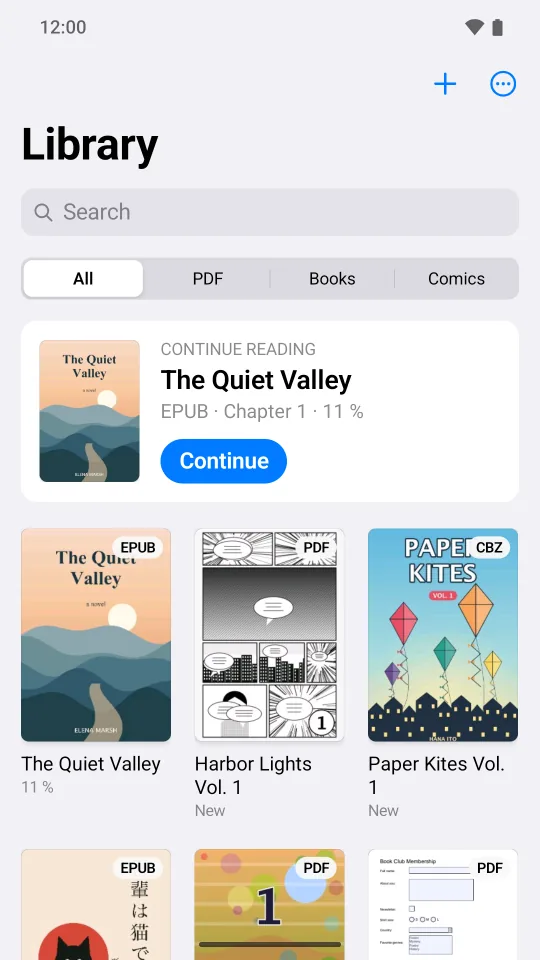
Library covers, search, filters and a Continue Reading card 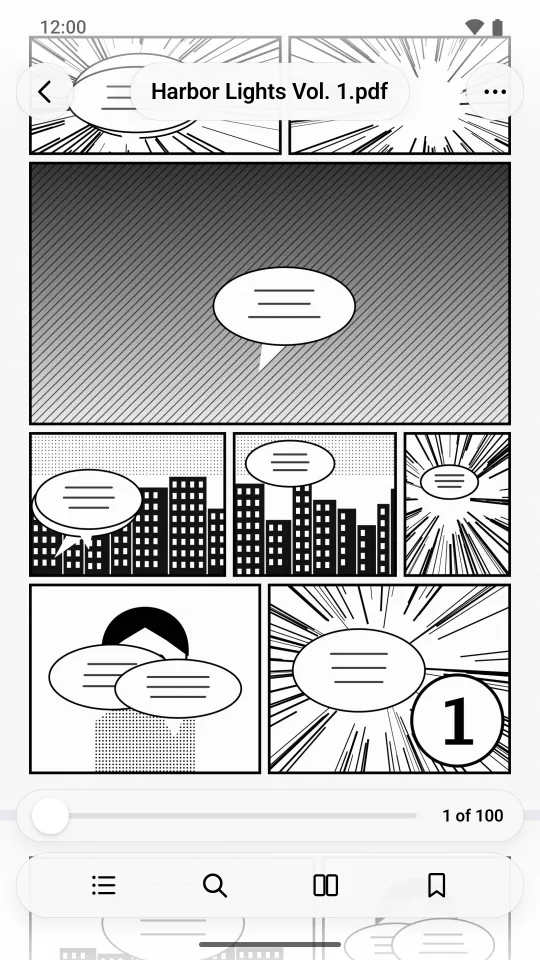
A manga PDF page 1 of 100, with the page slider and the toolbar showing 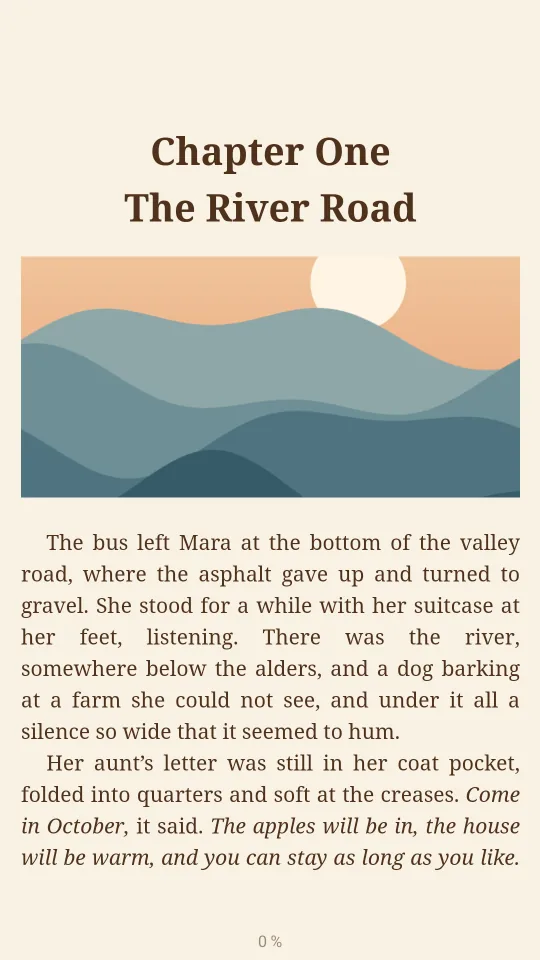
An EPUB on a sepia page chapter heading, illustration and text 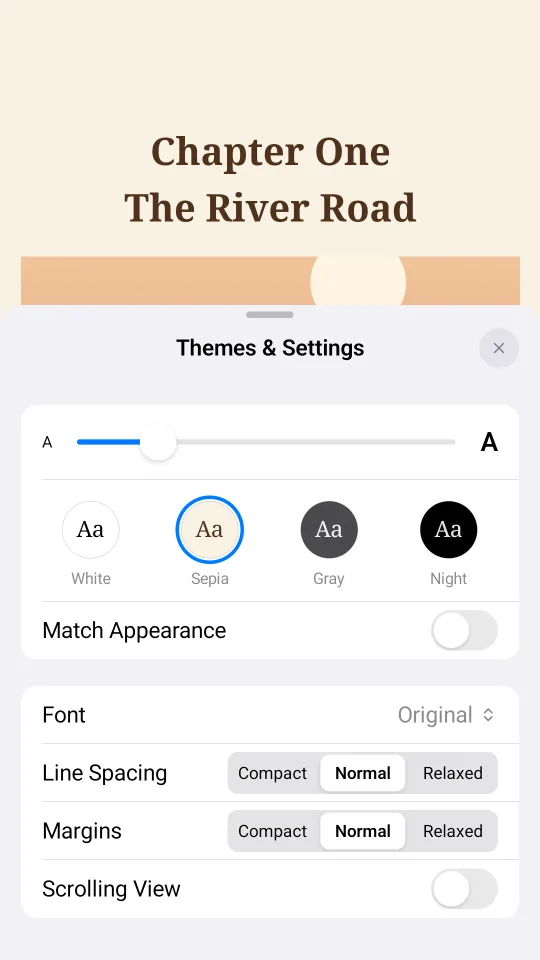
Themes & Settings text size, four themes, font, line spacing and margins 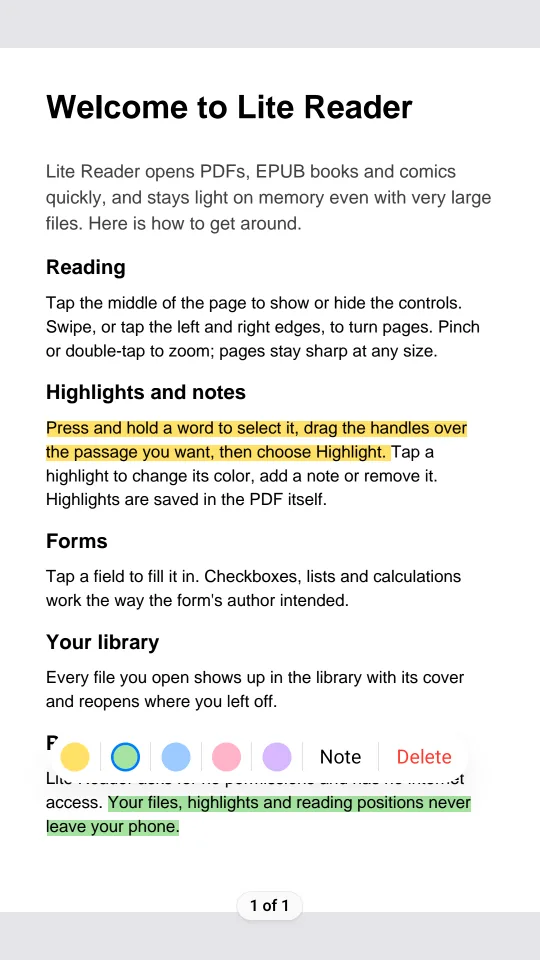
Highlights and notes five colors, Note and Delete 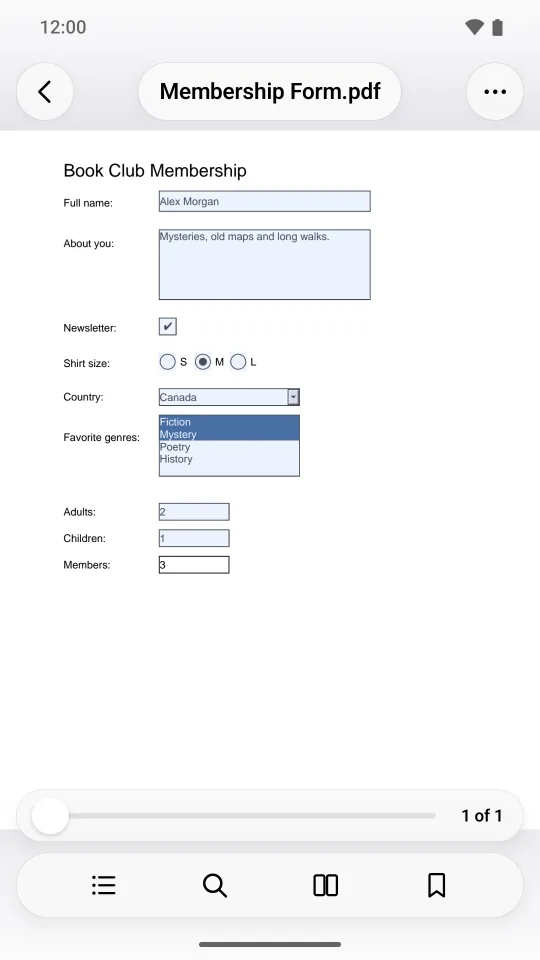
A PDF form text fields, checkbox, radio buttons, drop-down and list 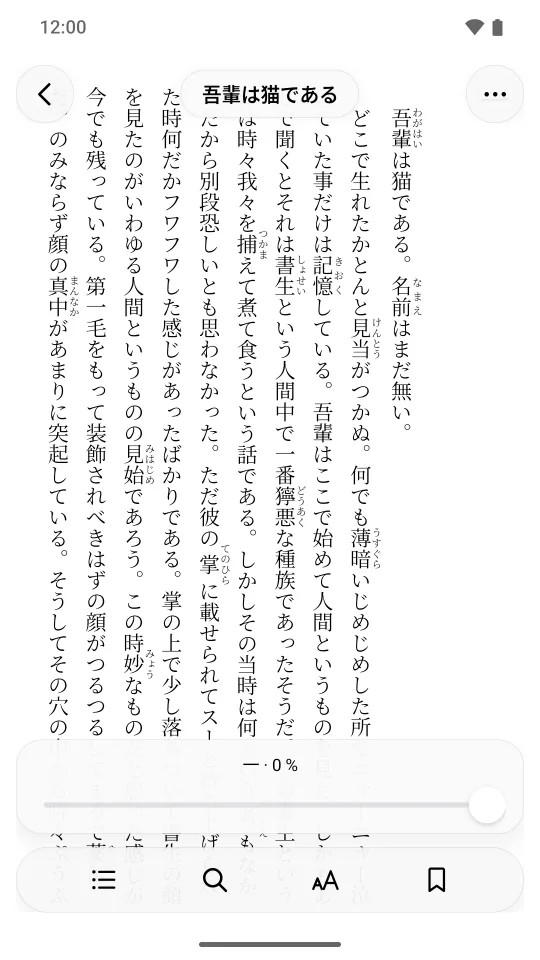
Vertical Japanese columns run right to left, with ruby readings 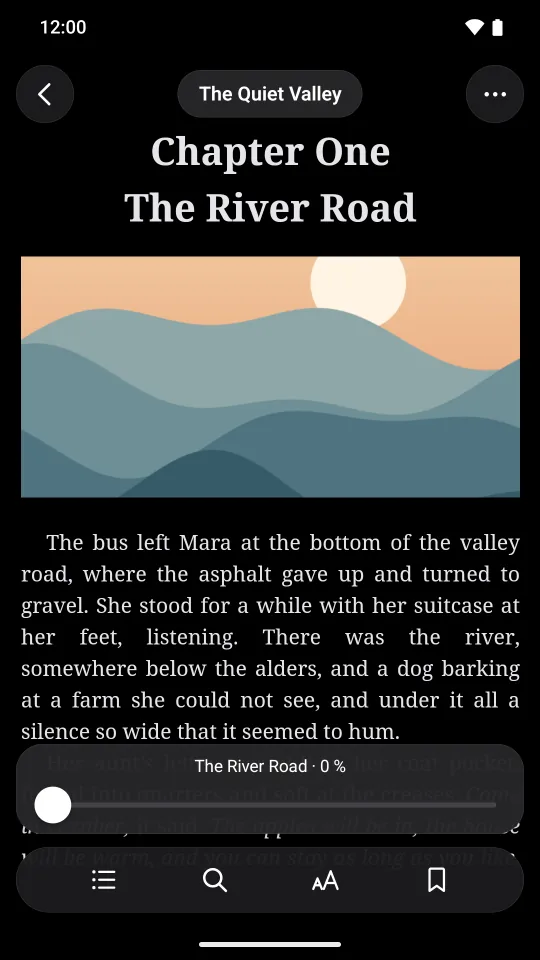
Night theme light text on a black page
How to become a tester
You need an Android 7.0 or later phone or tablet with Google Play, and the same Google account for all three steps:
- Join the Lite Reader testers group on Google Groups.
- Open the testing page and tap Become a tester.
- Install Lite Reader from Google Play.
Then keep it installed and use it for 14 days. The tester guide has each step in detail, what to do when the app doesn’t show up, and where to send feedback.
Questions
What is Lite Reader?
Lite Reader is an Android app for reading PDF, EPUB, CBZ and CBR files. It draws pages at your screen’s resolution and never loads a file whole, so image-heavy files such as 1 GB manga volumes open quickly.
How do I install Lite Reader?
Lite Reader is in Google Play’s closed test. Join the Lite Reader testers group, open the testing page and tap Become a tester, then install Lite Reader from Google Play. The steps are in the tester guide.
When will Lite Reader be on Google Play for everyone?
My developer account is personal, so Google requires at least 12 testers opted in for 14 days in a row before an app can go public. When that is done I can ask Google to release Lite Reader to everyone.
Does Lite Reader send my files or reading anywhere?
No. Lite Reader asks for no Android permission, including no internet access, so it cannot send anything anywhere. It has no ads, no analytics and no account. Your recent files, bookmarks, highlights and settings stay in the app’s private storage on your phone. Read the privacy policy.
Which files can Lite Reader open?
PDF, EPUB 2 and 3, CBZ and CBR. A fixed-layout EPUB made of images, as manga often is, opens like a comic. Files open from Android’s file picker, or from “Open with” and “Share” in other apps.
Does it change my PDFs when I highlight or fill in a form?
Highlights, underlines, strike-outs, notes and form entries are written into the PDF as standard annotations and fields, to that file or to a copy you choose, so other PDF apps see them too.
Can it open password-protected PDFs?
Yes, PDFs protected with AES or RC4. If you choose to remember a document’s password, it is encrypted with a key held by the Android Keystore.
How much memory does Lite Reader use?
On an Android 16 Pixel 7 emulator with a 100-page manga PDF (1600 × 2400 JPEG pages) I measured about 51 MB (PSS) at the first page, at most about 83 MB while flinging through the pages and about 64 MB after 60 flings. That is one file on one emulator: the details.
Which Android versions does it support?
Android 7.0 or later. The arm64 APK is about 11.9 MB.
Is Lite Reader free?
Yes. It has no ads and no account.
More
- Tester guideJoin the group, become a tester, install, stay 14 days, send feedback
- Privacy policyNo permissions, no internet access, data stays on your phone
- FeedbackReport a bug or share an idea