CleanDevMac
Finds the developer caches, build output and leftover app data filling your Mac's disk, and deletes only what you confirm.
Install
curl -sSL https://github.com/cleandevmac/cdm/releases/latest/download/cdm | bash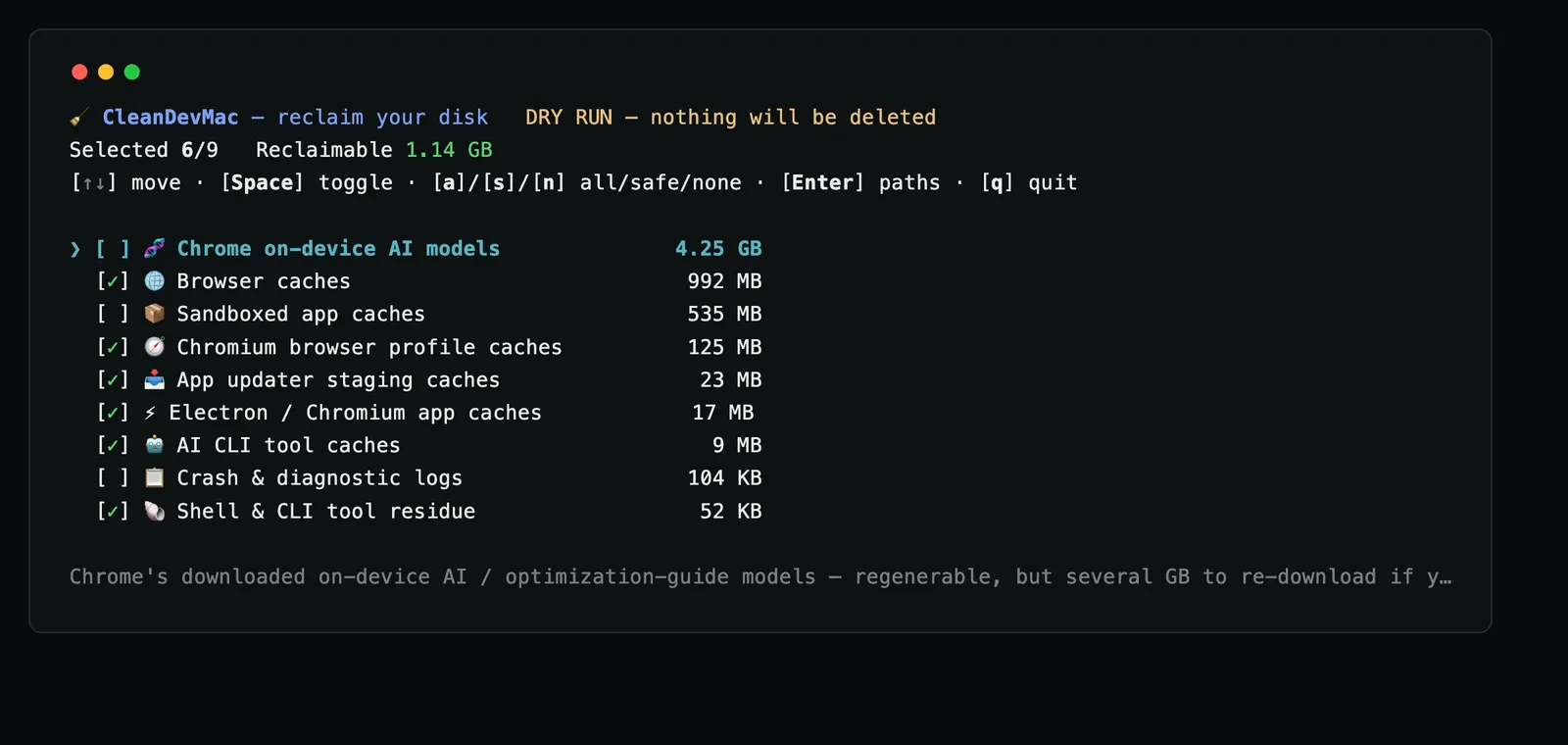
CleanDevMac, cdm on the command line, scans a Mac for what development quietly leaves behind. It shows you each item and its size, then removes only what you approve. There’s nothing to install: the script runs straight from the pipe and leaves nothing on the machine when it exits. Add -s -- -n to the command for a dry run that deletes nothing.
It started as part of setup-zsh and grew into its own project.
What it cleans
- Build and package caches: Xcode DerivedData, Go, npm, pnpm, Yarn, Gradle, Maven, Cargo, pip, uv and more
- Electron and browser caches for VS Code, Slack, Chrome, Brave, Edge, Arc, Firefox and others
- Project junk such as
node_modules,distandtarget, but only when the repository itself git-ignores it (opt-in with-p) - Docker and Podman leftovers (opt-in; named volumes are never touched)
- Support files, caches and preferences from apps you’ve already deleted
Safety
- Nothing is deleted without an itemised confirmation.
- Caches are removed for good because they rebuild themselves. Orphaned app data and git-ignored files go to the Trash instead.
~/Documents,~/Desktop,~/Downloads,~/Pictures,~/.sshand iCloud Drive are never touched, whatever the rules say..envfiles are never offered for deletion.- No telemetry. The only network request fetches its own cleaning rules.
Support
Found a bug or have an idea? Open an issue on GitHub.