MacStats
Native menu bar monitor for network speed, CPU, RAM and CPU temperature.
Install
curl -fsSL https://raw.githubusercontent.com/openhoangnc/mac-stats/main/install.sh | bash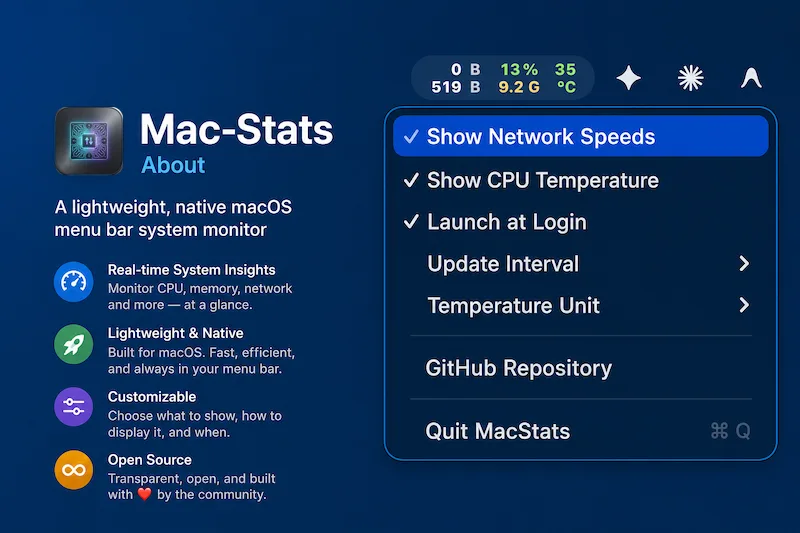
MacStats is the Mac counterpart to Taskbar Stats. It keeps live system numbers in the menu bar and is written in Swift with no third-party dependencies.
Features
- Network upload and download speed, CPU load, RAM use and average CPU temperature
- Colours shift from green to yellow to red as load rises
- Opening the menu lists the apps using the most CPU and memory, with helper processes rolled up into their parent app
- Configurable refresh rate (1, 2 or 5 seconds), °C/°F and launch at login
- Reads SMC sensors on both Intel and Apple silicon Macs
Support
Found a bug or have an idea? Open an issue on GitHub.