Calculator and conversions
Type a sum, a unit, a temperature, a data size, an amount of money or a hexadecimal number. The answer appears on a card at the top of the results, and ↵ copies it.
Lightspot guide
Math
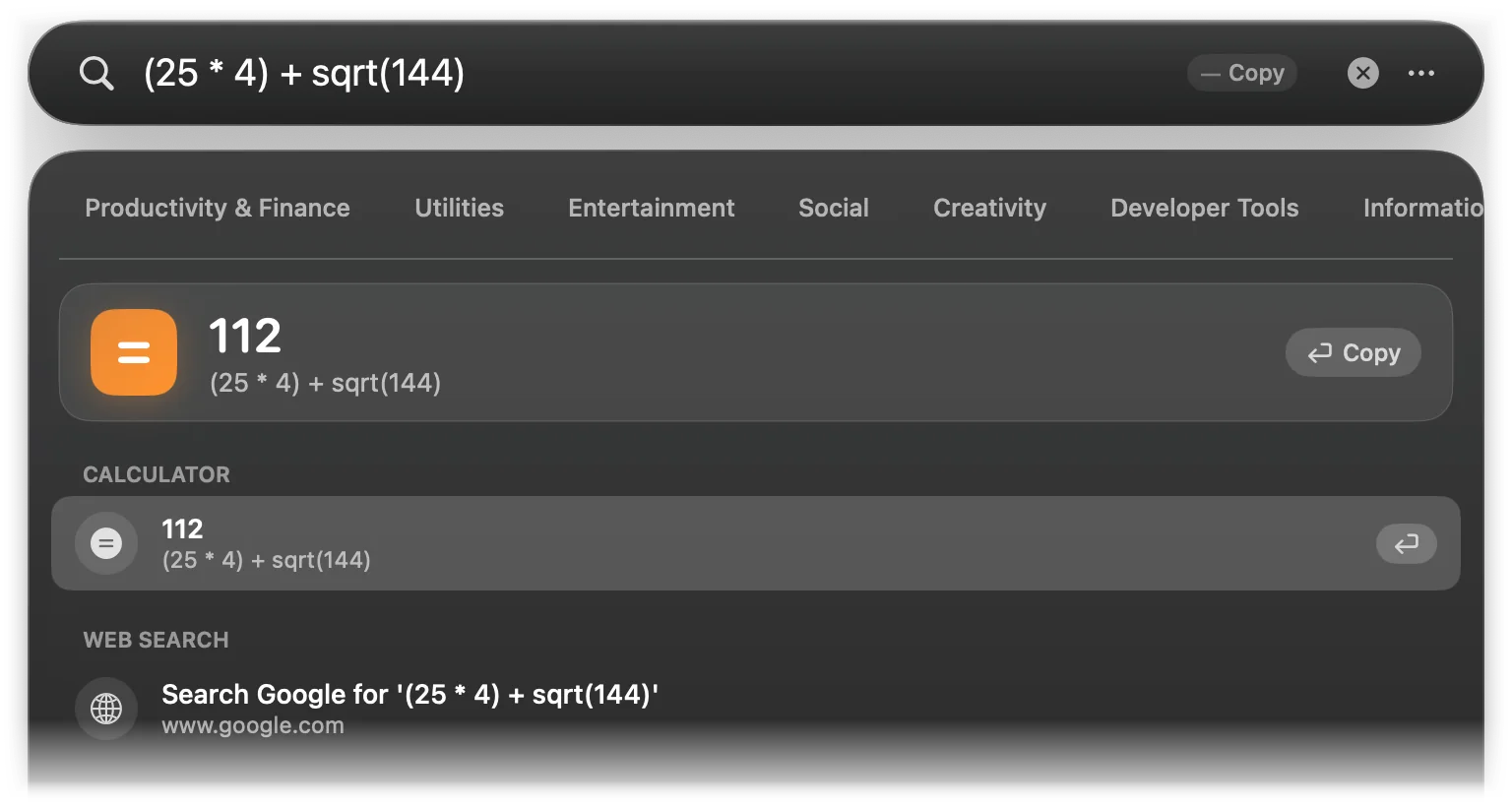
Type an expression and the result appears on an orange card, with the expression underneath. Press ↵ to copy the result and close Lightspot.
| You can use | Written as |
|---|---|
| Add, subtract | + - − |
| Multiply, divide | * × / ÷ |
Power (right to left: 2^3^2 is 512) | ^ ** |
| Remainder | % |
| Grouping | ( ) |
| Functions (brackets required; angles in radians) | sqrt() abs() sin() cos() tan() log() (base 10) ln() |
| Constants | pi π e |
| Thousands separators | 1,000 * 3 |
Multiplication signs can be left out next to brackets, constants and functions: 2pi, 2(3+4) and (1+2)(3+4) all work. A trailing = is ignored, so 2+2= is fine.
| Type | Result |
|---|---|
2^16 | 65,536 |
log(1000) | 3 |
sin(pi/2) | 1 |
2pi | 6.2831853072 |
1/3 | 0.3333333333 |
10 % 3 | 1 |
e^2 | 7.3890560989 |
Results have up to ten decimal places and use your Mac’s number format (Region settings). A single number on its own, a division by zero, sqrt of a negative number and any word Lightspot does not know produce no card, so ordinary searches are not hijacked. The % sign is a remainder, not a percentage: 20% of 50 is not understood.
Units
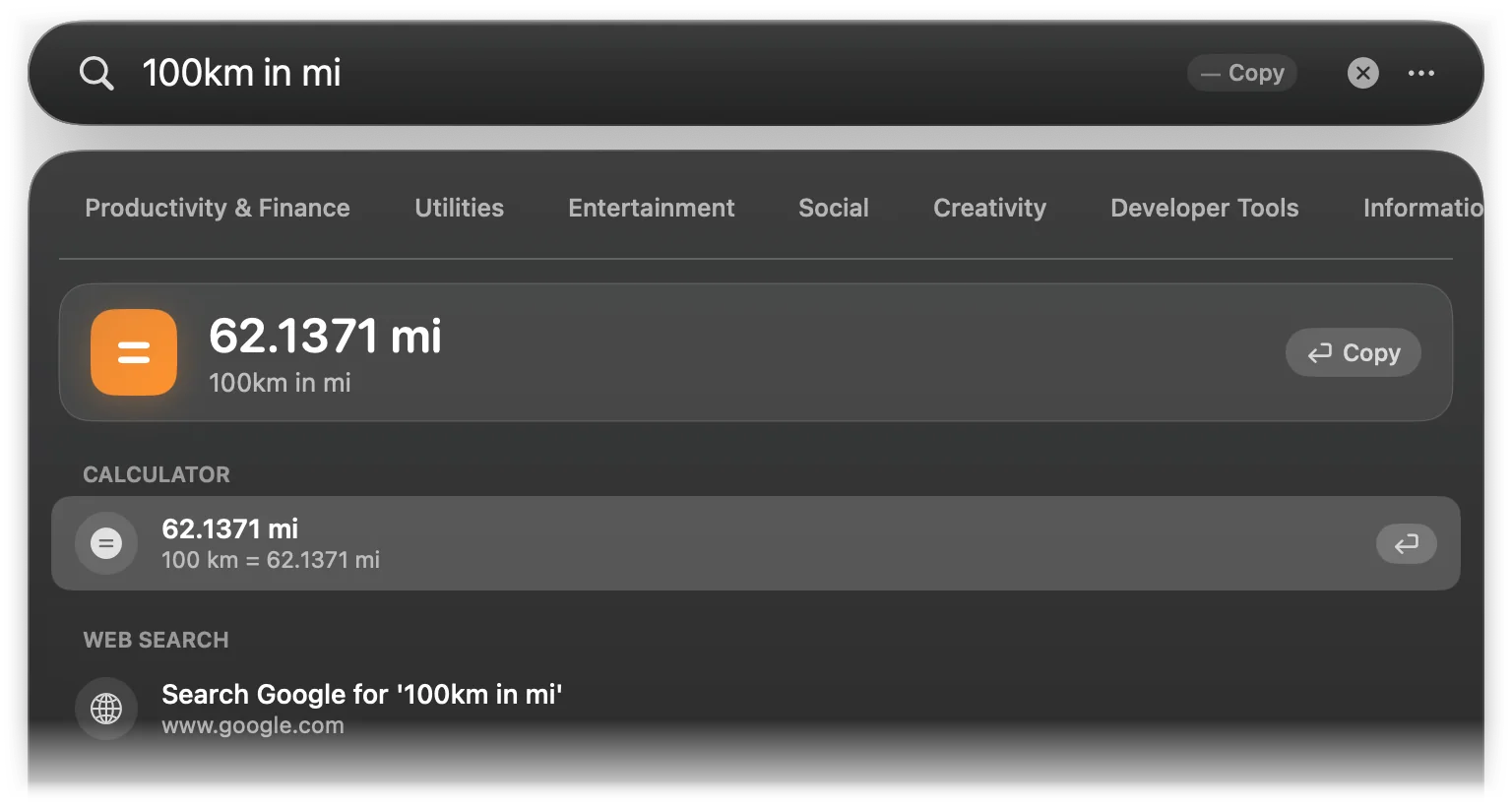
Write a number, a unit, and optionally in or to and the unit you want. The space between number and unit is optional. Without a target, Lightspot picks the usual one.
| Kind | Units | Default target | Example |
|---|---|---|---|
| Length | km, m, cm, mm, mi, yd, ft, in (and kilometer(s), meter(s), mile(s), yard(s), foot/feet, inch(es)…) | km→mi, m→ft, cm→in, mm→in, mi→km, yd→m, ft→cm, in→cm | 100km in mi → 62.1371 mi |
| Weight | kg, kgs, g, mg, lb, lbs, oz, st (and kilogram(s), gram(s), pound(s), ounce(s), stone…) | kg→lbs, g→oz, mg→g, lb→kg, oz→g, st→kg | 10 kg → 22.0462 lbs |
| Temperature | f, c, k (and fahrenheit, celsius, kelvin); a ° sign is ignored | F→C and K, C→F and K, K→C and F | 72F in C → 22.2222°C |
| Data size | tb, gb, mb, kb, b (and terabyte(s), gigabyte(s)…, byte(s)), in steps of 1024 | tb→gb, gb→mb, mb→gb, kb→mb, b→kb | 16GB in MB → 16,384 MB |
| Speed | kmh, kph, km/h, mph, mi/h, m/s, mps, knot(s) | mph→km/h, km/h→mph, everything else→km/h | 60 mph → 96.5606 km/h |
| Time | s, sec(s), second(s), min(s), minute(s), h, hr(s), hour(s), d, day(s), w, wk, week(s) | seconds→min, minutes→hours, hours→minutes, days→hours, weeks→days | 90 min → 1.5 hours |
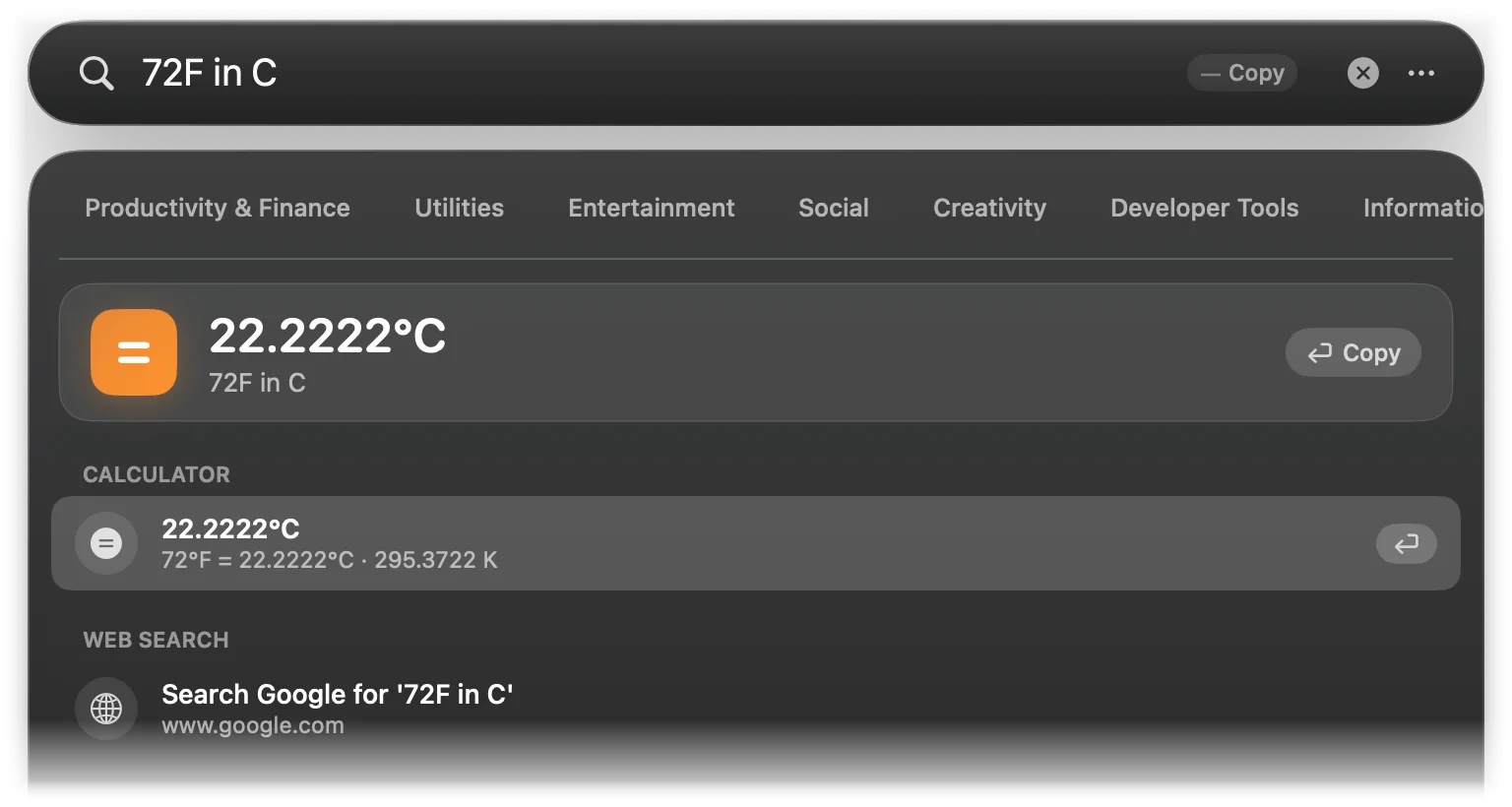
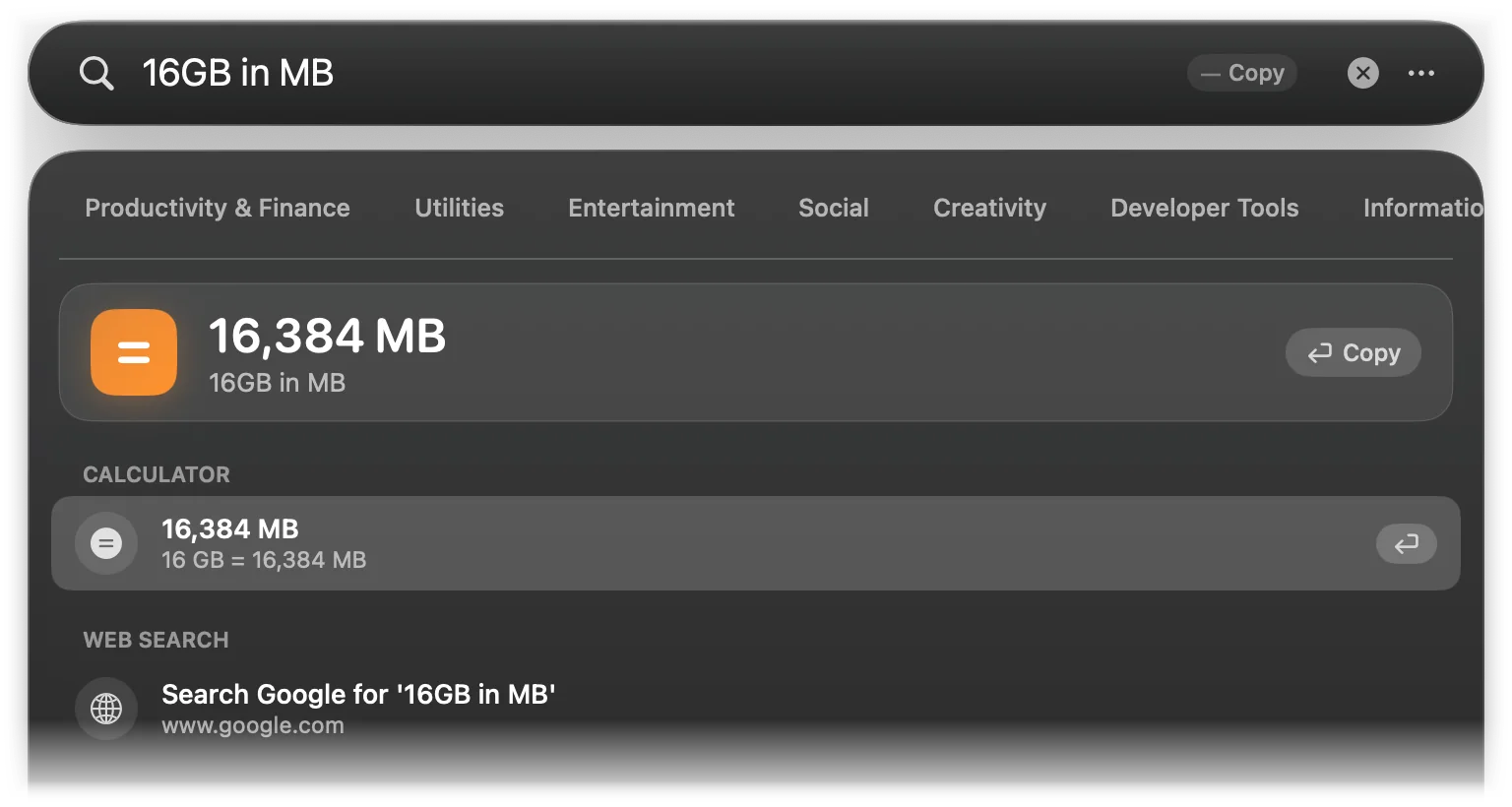
Converted values have up to four decimal places. Volume, area, pressure, energy and bits are not supported. Because in doubles as the word for “into”, inches need to be glued to the number: 10in to cm works, 10 in to cm does not.
Currency
Write an amount with a currency code or symbol, optionally followed by in or to and a code: $100 in EUR, 50 GBP to USD, € 50, 1000 JPY to VND.
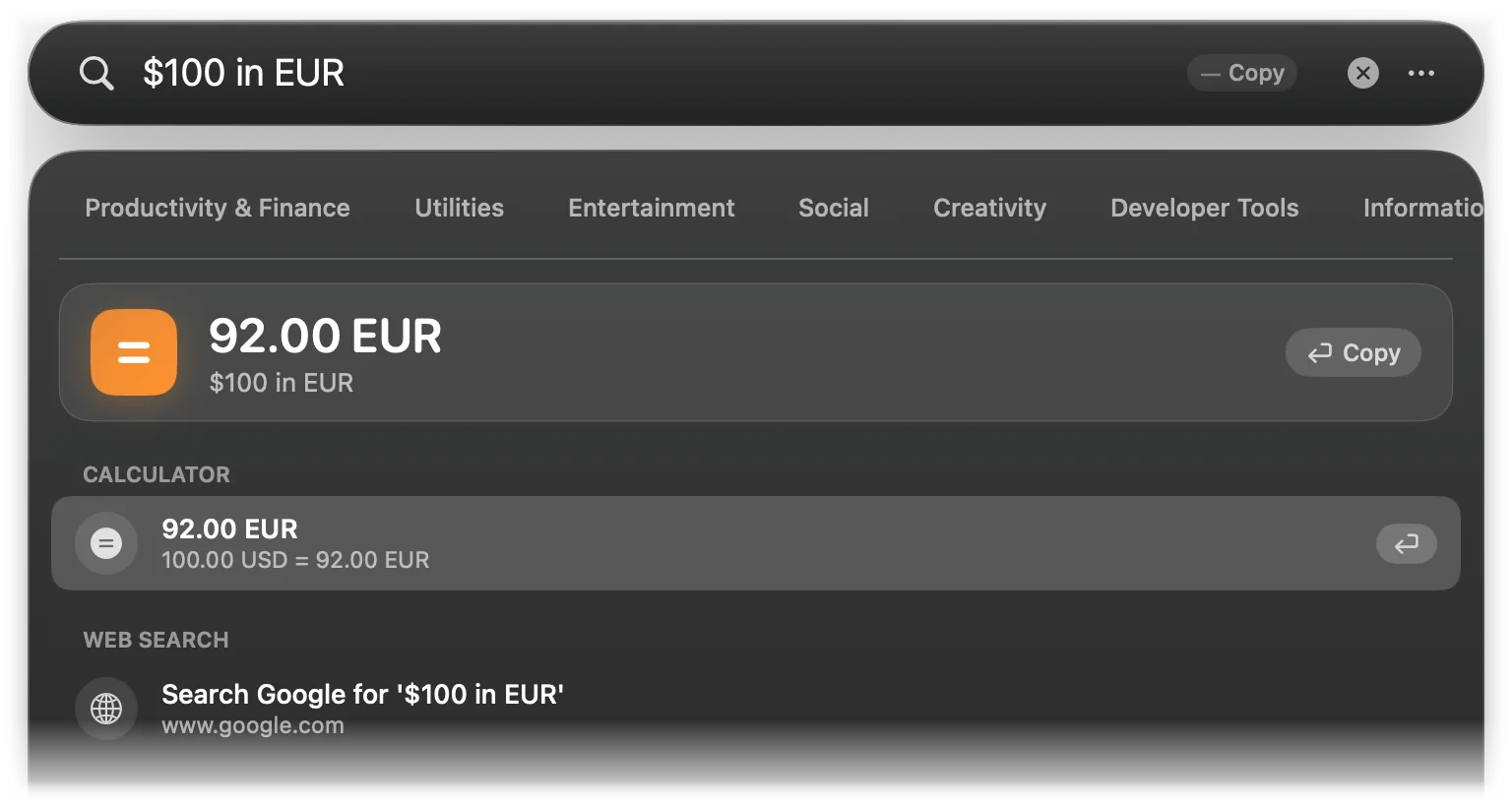
- Symbols:
$(USD),€,£,¥(JPY),₫,₩,₹,R$, before or after the number. - The target must be a three-letter code. Commas in the amount are fine.
- Without a target, Lightspot converts to your Mac’s currency when it is in the list below and different from the source; otherwise US dollars go to euros and everything else to US dollars.
The exchange rates are built into Lightspot and fixed: they are never downloaded, so they do not follow the market. Use them for a rough idea, not for payments. The 30 rates per US dollar:
| USD | 1 | EUR | 0.92 | GBP | 0.79 |
|---|---|---|---|---|---|
| JPY | 154.5 | CAD | 1.38 | AUD | 1.52 |
| CHF | 0.9 | CNY | 7.24 | INR | 83.5 |
| SGD | 1.35 | HKD | 7.81 | KRW | 1,375 |
| VND | 25,450 | SEK | 10.85 | NOK | 10.95 |
| NZD | 1.66 | MXN | 16.95 | BRL | 5.15 |
| TWD | 32.4 | THB | 36.8 | IDR | 16,200 |
| PLN | 3.98 | TRY | 32.2 | ZAR | 18.5 |
| PHP | 57.5 | CZK | 23.3 | DKK | 6.87 |
| HUF | 362 | ILS | 3.72 | MYR | 4.72 |
Number bases
Convert a number with in or to followed by hex, bin or binary, oct or octal, or dec or decimal. The number can be decimal, hexadecimal with 0x or binary with 0b:
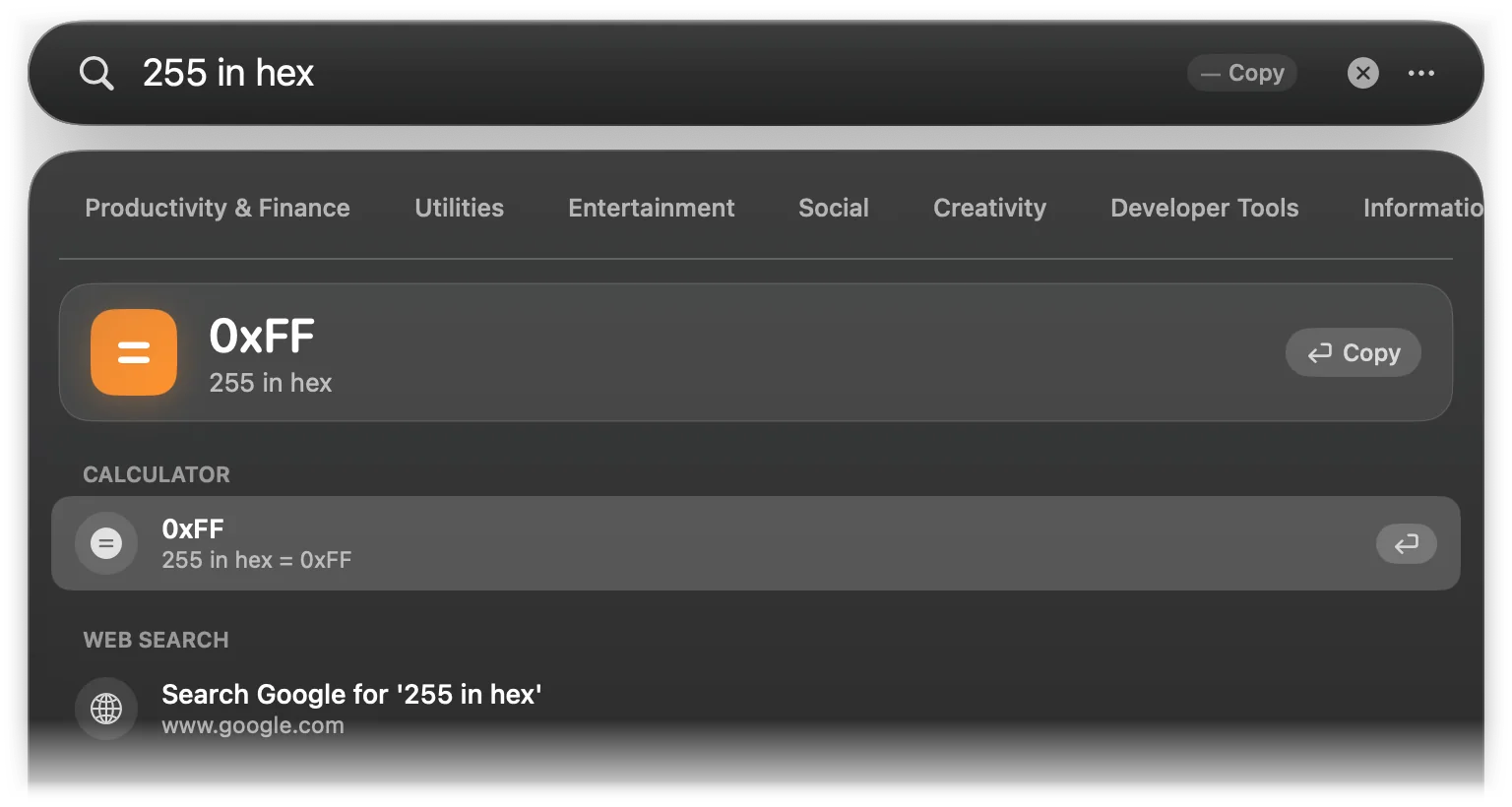
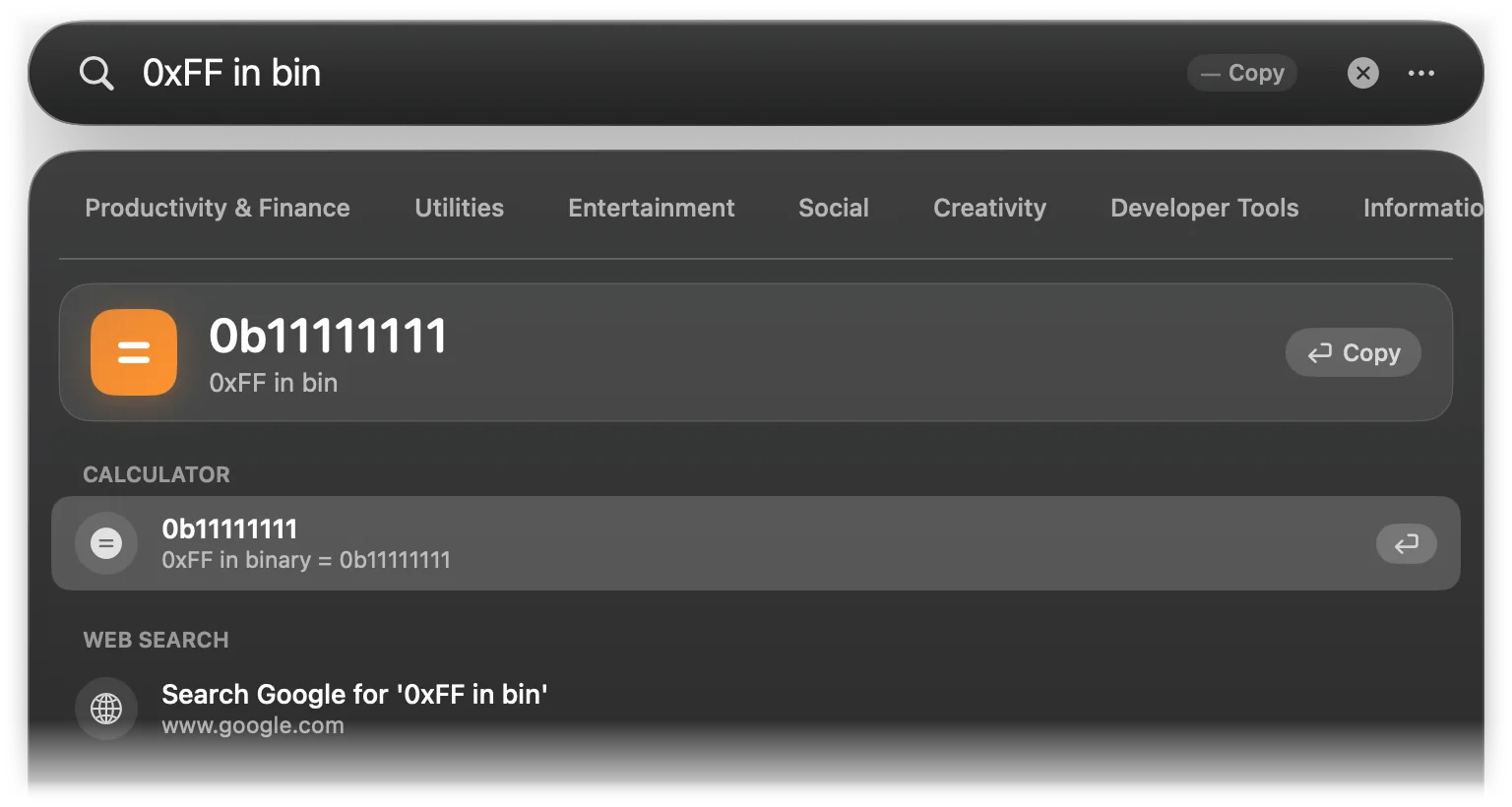
Type a hexadecimal or binary number on its own, such as 0xFF or 0b1010, to see it in decimal with the other bases in the subtitle:
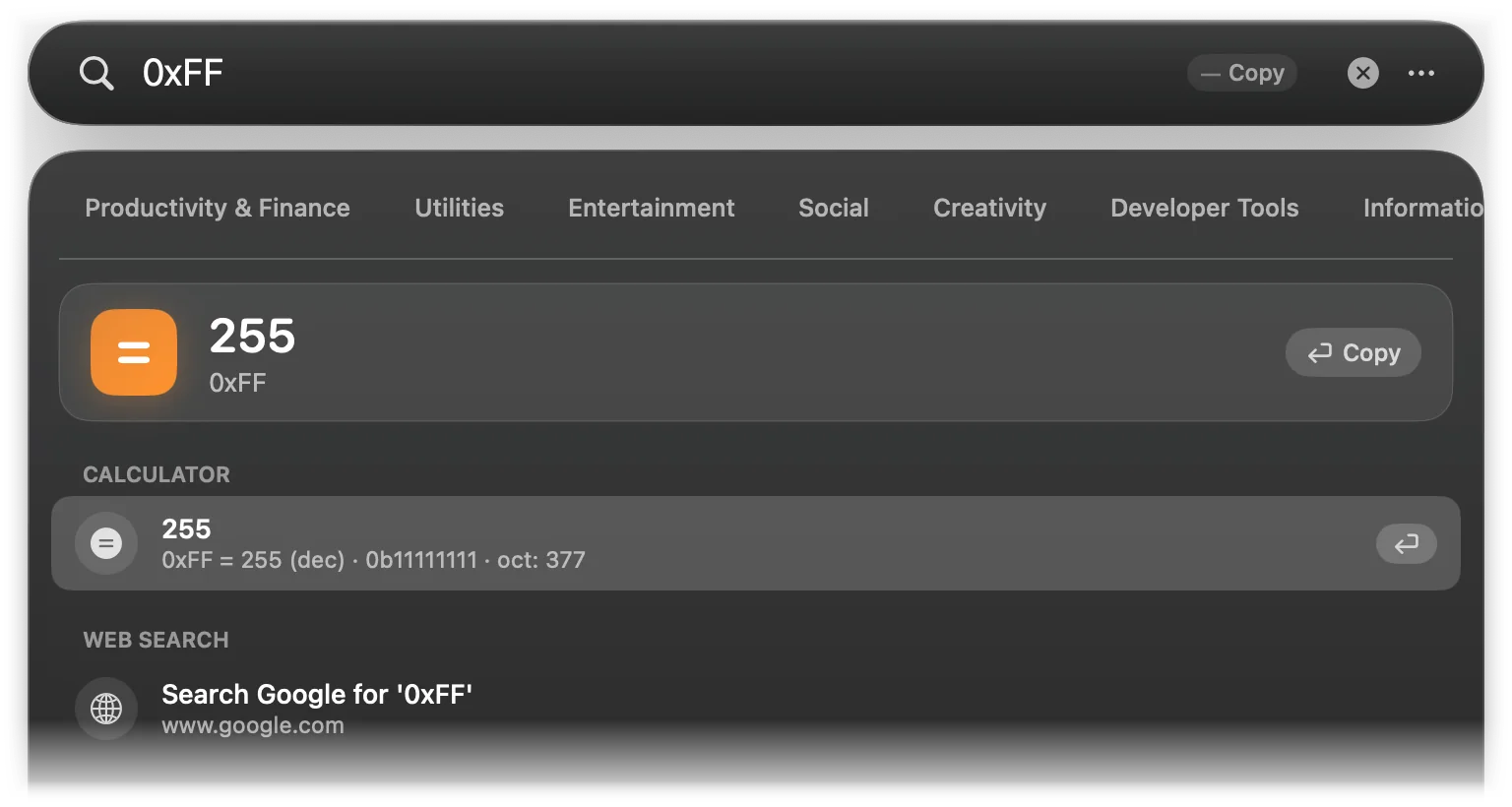
Hexadecimal results are written 0xFF, binary 0b… and octal 0o…. Only whole numbers from 0 up to the 64-bit limit are converted.